Meshtastic Node Map
This is the Meshtastic coverage as seen by a single node connected to an instance of MeshMapper and may not represent the entire network.

This is the Meshtastic coverage as seen by a single node connected to an instance of MeshMapper and may not represent the entire network.
| Color | Meaning |
|---|---|
| Green | BIDIR (Bidirectional) - Confirmed two-way coverage. |
| Cyan | DISC (Discovery) - Discovery packet sent and reply heard. |
| Orange | TX (Transmit) - Message sent, but no repeat was heard. |
| Purple | RX (Receive) - Heard traffic while in RX mode. |
| Grey | DEAD - Repeater heard the ping, but it did not make it into the wider mesh. |
| Red | DROP - Failed ping. No repeats heard, did not make it into the wider mesh. |
Below are the local settings for the Meshtastic network in our region.
These are based on USA preset.
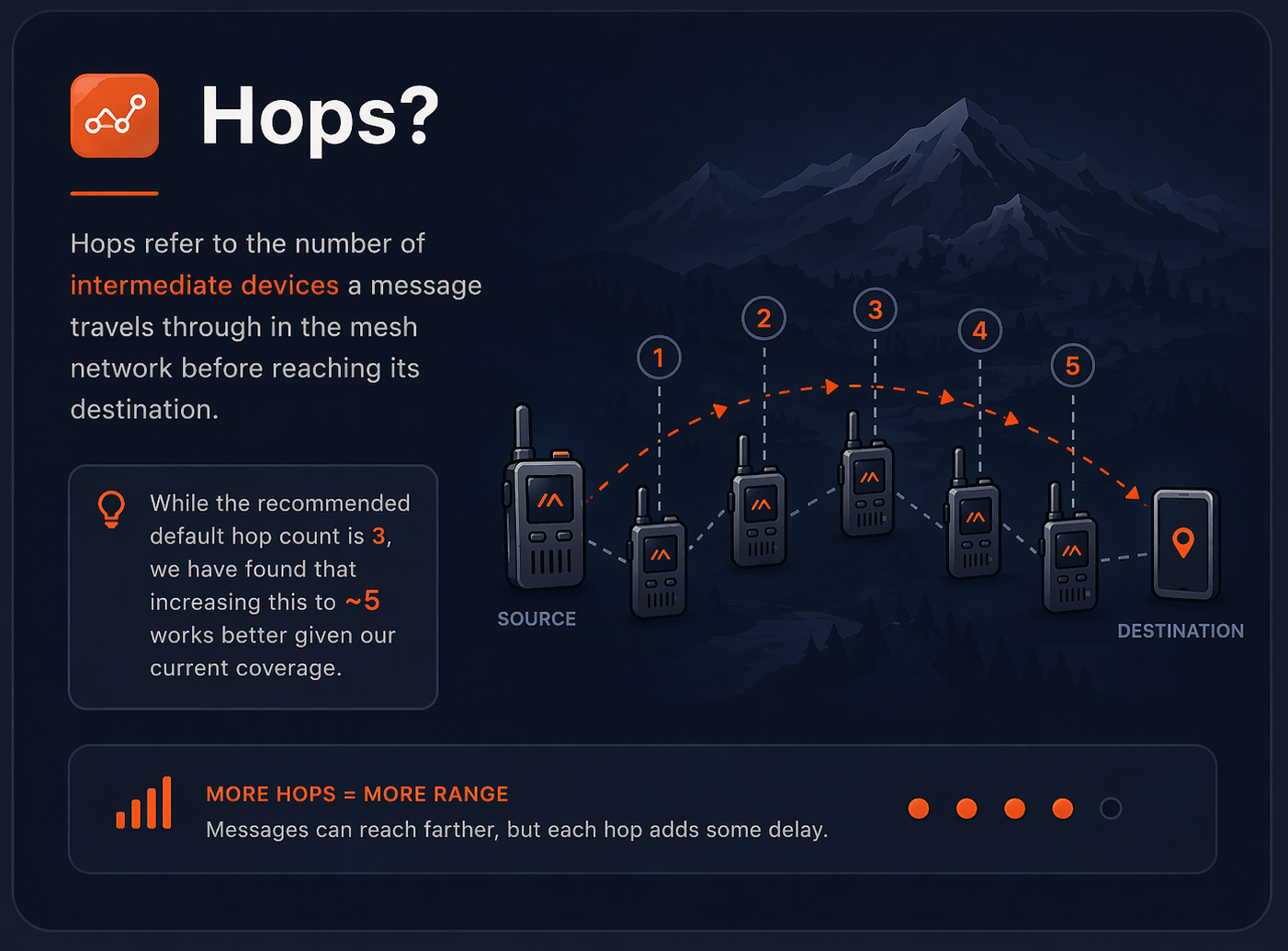
Note: The recommended default hop count is 3, but we have found that increasing this to ~5 works better given our current coverage.
Below are the local settings for the MeshCore network in our region. These are based on USA preset.
*Coding Rate (CR) is a measure of error correction. A higher CR means more redundancy and better performance in noisy environments, but it also reduces effective data throughput.
The default CR of 5 is a good balance for most use cases, but you can adjust it based on your specific needs and conditions.
An Encrypted Public Channel for the Meshtastic network in our region.
Feel free to add the following local channel:
Scan the QR code or click the button below to quickly add the channel:
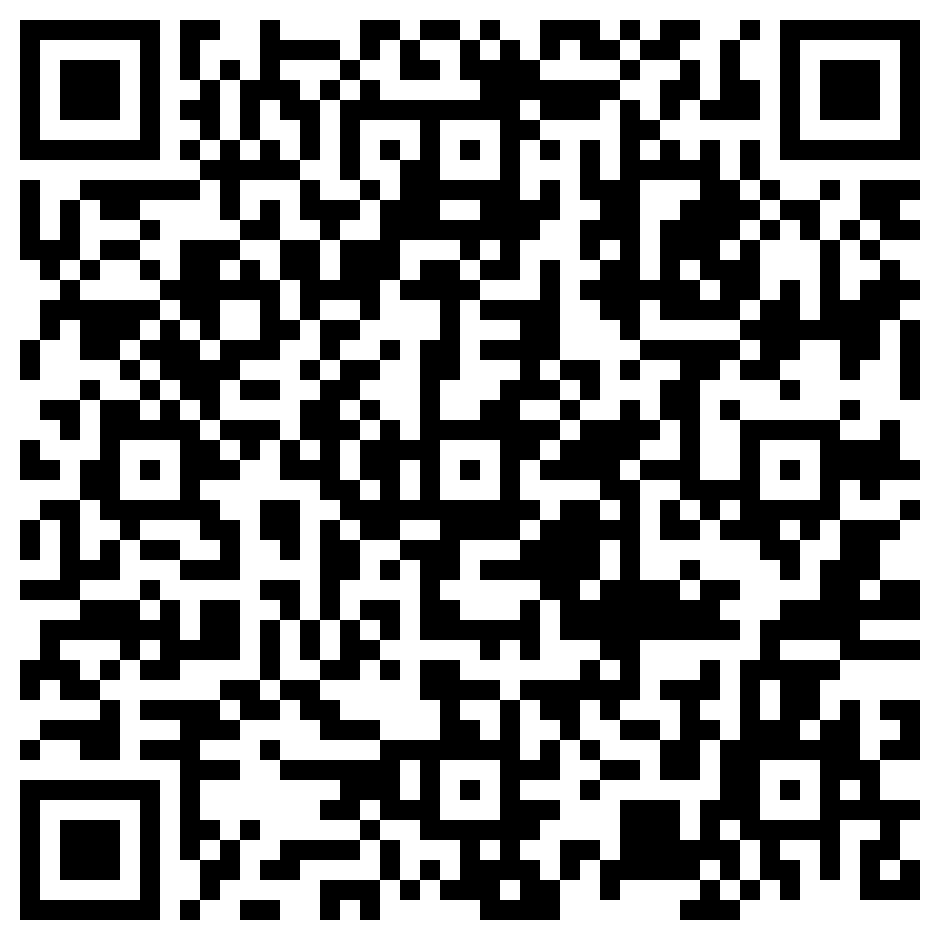
A local #stmesh channel is in use to allow public, but scoped discussion that doesn't flood the general public channel.
We have a local room server running in the region that anyone can connect to.
It’s a great way to test your setup and see messages from the local mesh without needing to connect to the wider network.
To connect, use the following settings:
Feel free to connect and say hi! Leave a message for others to see.
The 1-Byte Limitation
In 1-byte mode, repeaters are identified using the first two characters of their Public ID (e.g., A1, 4F, 09). Since this is only two hexadecimal digits long, there are only 254 possible combinations (01 to FE...00 and FF are reserved in the MeshCore firmware).
As the number of repeaters in a region increases, it becomes statistically inevitable that two completely different devices will end up with the same Short ID.
When this happens, it is called a Collision.